Join the best starter course and unlock your 3D potential
Learn Blender and start creating
Join the best starter course and unlock your 3D potential
Welcome to Blender Academy
Together we will unlock your 3D potential
Step into the world of 3D with Goldshape Blender Academy. In our Blender Starter Course, you will learn all the essential skills to start modeling, rendering and 3D printing your own creations. Blender is a powerful and extensive program. That’s why we have carefully selected the most important tools and techniques and combined them into a professional hands-on starter course. We will guide you through the fundamentals and share valuable tips and tricks so you can start creating your very own 3D models. Join our course and unlock your creativity!
Step into the world of 3D with Goldshape Blender Academy. In our Blender Starter Course, you will learn all the essential skills to start modeling, rendering and 3D printing your own creations.
Blender is a powerful and extensive program. That’s why we have carefully selected the most important tools and techniques and combined them into a professional hands-on starter course. We will guide you through the fundamentals and share valuable tips and tricks so you can start creating your very own 3D models. Join our course and unlock your creativity!
Join our 8 part starter course and start your 3D journey
Blender starter course
During 8 hands-on lessons, you will build the skills needed to design and create your own 3D models with confidence. Each session introduces you to key tools and techniques within Blender while you apply what you learn in practical exercises. Along the way, you’ll discover the most useful features of the program and gain insight into efficient workflows that make designing even more enjoyable.
To support your progress, you will receive an overview of useful shortcuts, tips, and practical tricks that help improve your learning curve and workflow. We work in small groups so there is plenty of room for personal guidance and questions, allowing us to focus on your individual progress and ensure you get the most out of every lesson.
Our key points
What you can expect
Hands-on approach
Instead of just watching or listening, you will immediately apply new tools and techniques in practical exercises throughout each lesson.
Personal guidance
Because we work in small groups, there is plenty of time to ask questions and get individual feedback whenever you need it.
Cheat sheets
You will receive handy cheat sheets with the most important Blender shortcuts and tools to support you while designing.
3D prints and material
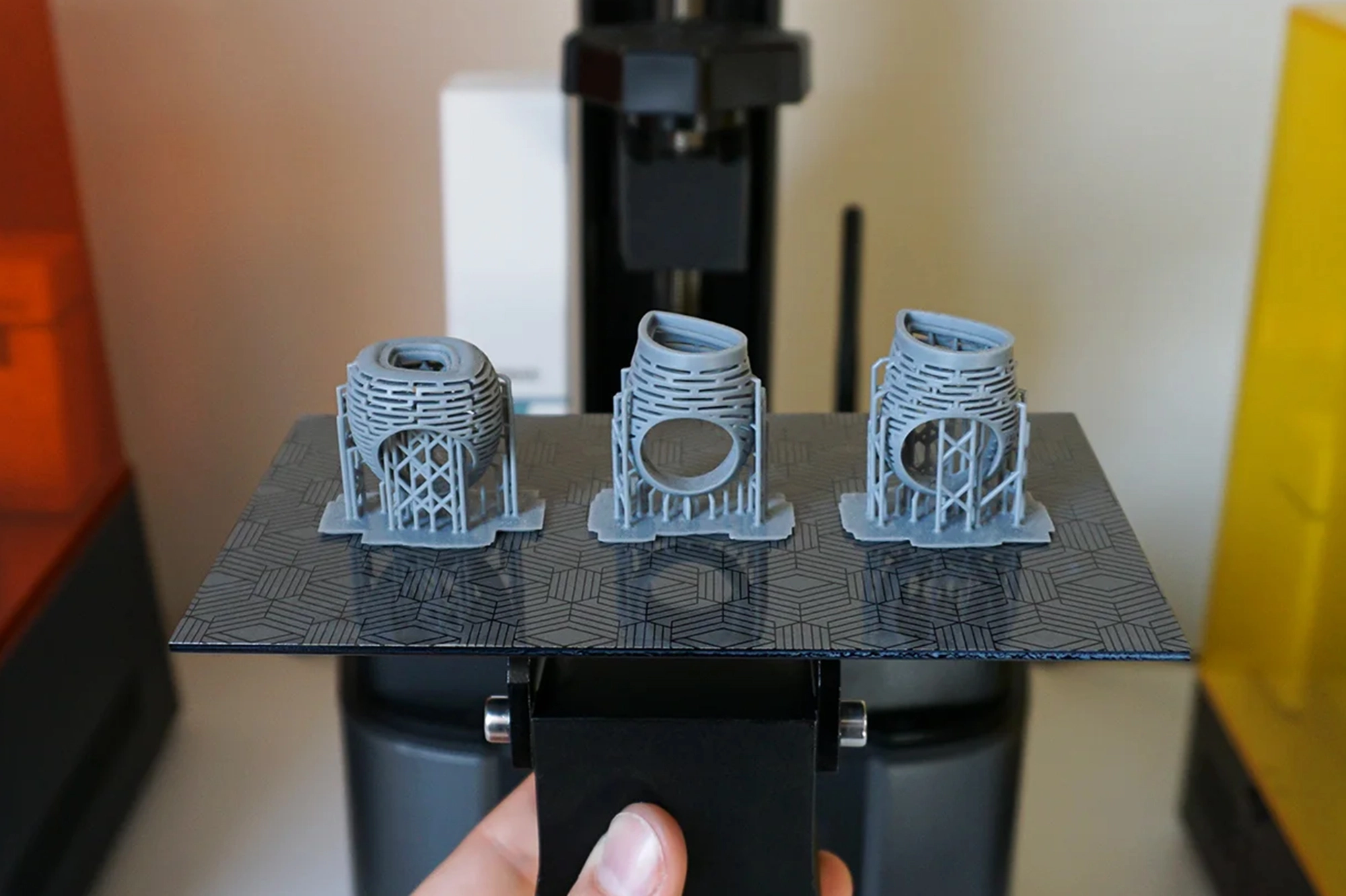
During this course, you will receive 3D prints of your own models.
In our Blender Starter Course, you will learn the fundamentals of Blender’s most important features. Our instructors will share valuable tips and tricks that you can apply right away.
The course consists of eight lessons spread over four weeks, held every Monday and Wednesday or Tuesday and Thursday from 17:30 to 19:30, giving you the perfect balance between guided learning and time to practice your new skills between sessions.
In our Blender Starter Course, you will learn the fundamentals of Blender’s most important features. Our instructors will share valuable tips and tricks that you can apply right away.
The course consists of eight lessons spread over four weeks, held every Monday and Wednesday or Tuesday and Thursday from 17:30 to 19:30, giving you the perfect balance between guided learning and time to practice your new skills between sessions.
1. Introduction to Blender
In the first lesson, you will get familiar with the Blender interface and learn how to navigate the 3D workspace with confidence. We will cover the essential tools and concepts that form the foundation of every 3D project, including object manipulation, view controls, and the difference between Object Mode and Edit Mode. By the end of this session, you will already be able to create and manipulate simple 3D objects.
2. 3D Modeling (3 lessons)
Modeling is the core of 3D design, and throughout three lessons you will learn the most important techniques to create your own objects from scratch. Starting with basic shapes, you will explore powerful tools such as extrusion, beveling, loop cuts, and boolean operations to build increasingly complex forms. You will also discover how modifiers like Mirror and Subdivision can speed up your workflow and help you design more efficiently. These lessons will give you the confidence to turn your ideas into well-structured 3D models.
3. Sculpting
In this lesson you will explore Blender’s sculpting tools, which allow you to shape and refine models in a more organic and artistic way. Using digital sculpting brushes and drawing tablets, you will learn how to push, pull, smooth, and refine surfaces to create more natural forms. This approach is especially useful for creating detailed shapes and adding personality to your designs.
4. Materials and Rendering
Once your model is created, the next step is giving it a finished look. In this lesson you will learn how to apply materials, colors, and basic textures to your models. You will also discover how lighting and camera settings influence the final image and how to create clean, professional renders that showcase your designs.
5. Preparing Models for 3D Printing
In this lesson you will learn how to transform your digital designs into objects that can be physically produced. We will cover the essential rules for 3D printing, such as wall thickness, scale, and ensuring your model has clean geometry. By the end of the session, you will know how to export your designs correctly so they are ready to be printed.
6. Final Project
During the final lesson, you will combine everything you have learned throughout the course to design your own unique 3D model. With guidance and feedback, you will refine your design, create a final render, and prepare the file for 3D printing. Your creation will then be printed so you can take home a physical version of your work.
In our private lessons, we focus on the topics and skills you want to improve. We work with dedicated models and tasks to help you develop your 3D skills as effectively as possible. Each lesson can take place online or in our classroom in Berchem.
Please select your preferred time slot in the calendar below to book your private lesson. The price of a private lesson is €65 and will be charged at the start of the session.
blender corporate courses
Looking to improve your team’s 3D skills or your own?
We tailor our corporate courses to your needs, working with real-world cases to ensure every hour is well spent. Sessions are organized in 4-hour blocks and can take place either in our classroom in Berchem or at your company’s location.
Please contact us via the button below to discuss a custom corporate training.